Coworking Software
Team Deskworks
November 1, 2026

Coworking software integrations connect your coworking management software to the other tools that run your space, so a member, booking, or payment entered once updates everywhere else.
Seamlessly integrating your coworking billing, accounting, door access, IT hardware, virtual mail, meeting room management, calendar, network and printer drastically reduces the time you and your team spend manually entering data and doing repetitive tasks. This frees you up to do the important work of running your workspace and growing your community.
When the Satellite team created Deskworks, the coworking software we use to run our own spaces across California, we designed it to be flexible and powerful. We designed it to integrate with the products and tools that allow us to sustainably and efficiently run our workspaces. Our software now powers workspaces around the world. Based on running coworking spaces since 2009, here are our top 16 coworking software integrations, all of which are available through Deskworks.
Coworking software integrations connect in one of four ways: built directly into the software, as Spreedly, the payments middleware we use, is in Deskworks; through webhooks, which connect and transfer information when a change is made, as our SphereMail integration does; through an API (Application Programming Interface) which allows polling on a regular schedule; or through a go-between system such as Google Calendar or Syncaroo, which might use both webhooks and the API.
Following are just some of the integrations you may want to use.

Accounting and payment integrations connect member billing in your coworking software to the systems that collect payments and keep your books.
QuickBooks accounting software caters to small and medium-sized businesses, including coworking spaces, flexible workspaces and serviced offices. The platform offers cloud and on-premises options to accept business payments, manage and pay bills, and perform payroll functions. Deskworks connects to QuickBooks Online, syncing invoices, payments, and member profile data.
As Lee Ann Willard, CEO of W Executive Suites, put it:
We were manually inputting data into QuickBooks, a time-consuming task that took attention away from other priorities. With Deskworks, we've not only streamlined these processes but also gained efficiencies through its seamless QuickBooks integration.
Deskworks supports over 150 other online payment processing gateways around the world through Spreedly, a middleware product that enables you to work with virtually any payment processor. Since all your payment methods are held in Spreedly’s PCI compliant secure online vault, you can switch gateways at any time without any disruption to your payment processing. See our guide to payment processing for coworking spaces.
Stripe integrates directly with Deskworks to accept credit card and ACH payments. This is particularly handy if you are already running on Stripe. There are two important considerations, however. If you change your coworking management software, your members who pay by ACH will need to re-authorize within Stripe for your center to process payments through their bank. Second, if you want to move off of Stripe for any reason, you will need to get a secure download of all your payment tokens from Stripe, and then have them securely uploaded to your new gateway. This can be time-consuming, and is unnecessary with Deskworks’ standard Spreedly payments integration.

Door access integrations grant and remove entry automatically based on each member's plan and reservations. Deskworks connects to five access control platforms: Kisi, Salto, Brivo, Doorflow, and Avigilon Alta. All of these carry monthly software fees, so be sure you understand all of your costs upfront. All of them will work with permissions to unlock doors sent to someone’s phone, as well as working with keyfobs or keycards.
The various systems work basically the same way. For members, when you assign a membership plan, the member is given the correct door access based on their plan; for non-members, they can be given access just for the time of their reservations. Two of the systems are described below.
Kisi is a keyless access system for coworking spaces and workspaces of all kinds. If you want to offer easy access to members, whether during open hours, 24/7, or anything in-between, Kisi is a great solution. Kisi features include access sharing, a digital visitor log, multiple spaces and managers, door timer and scheduling, access groups, mobile and card badges, access hardware management, and guest passes.
Salto is one of the world's leading manufacturers of electronic access control systems. An enterprise-scale solution, Salto gives users the ability to control their access and secure their doors "without complex and expensive wiring." For a full comparison of system types, see our guide to access control for coworking spaces.
Calendar integrations keep room and desk bookings and availability identical on all synced platforms, which prevents double bookings and allows the various booking aggregators to operate in real-time. This allows someone to book instantly on the aggregator’s app, which can greatly increase your revenue from reservations, an important consideration for your coworking space.
Google Calendar is the go-to calendar solution for countless coworking space operators, workspace members, aggregators, service providers and more. The calendar app is ubiquitous in work and personal environments, so having integrated access is essential for a coworking space software solution. Deskworks syncs reservations with Google Calendar and Outlook Calendar, including Outlook-connected room displays.
We often talk about Syncaroo as building “The Holy Grail” for coworking spaces. It’s a syncing service that connects your coworking space management software directly to booking platforms and aggregators, without going through Google Calendar! When you update a room’s photos, price, description, or availability, the change shows up on every connected listing...automatically. Syncaroo also syncs member, billing, and inventory data, which is how iWorkSpaceMail sends new mailboxes and mail charges into Deskworks (more on that below).
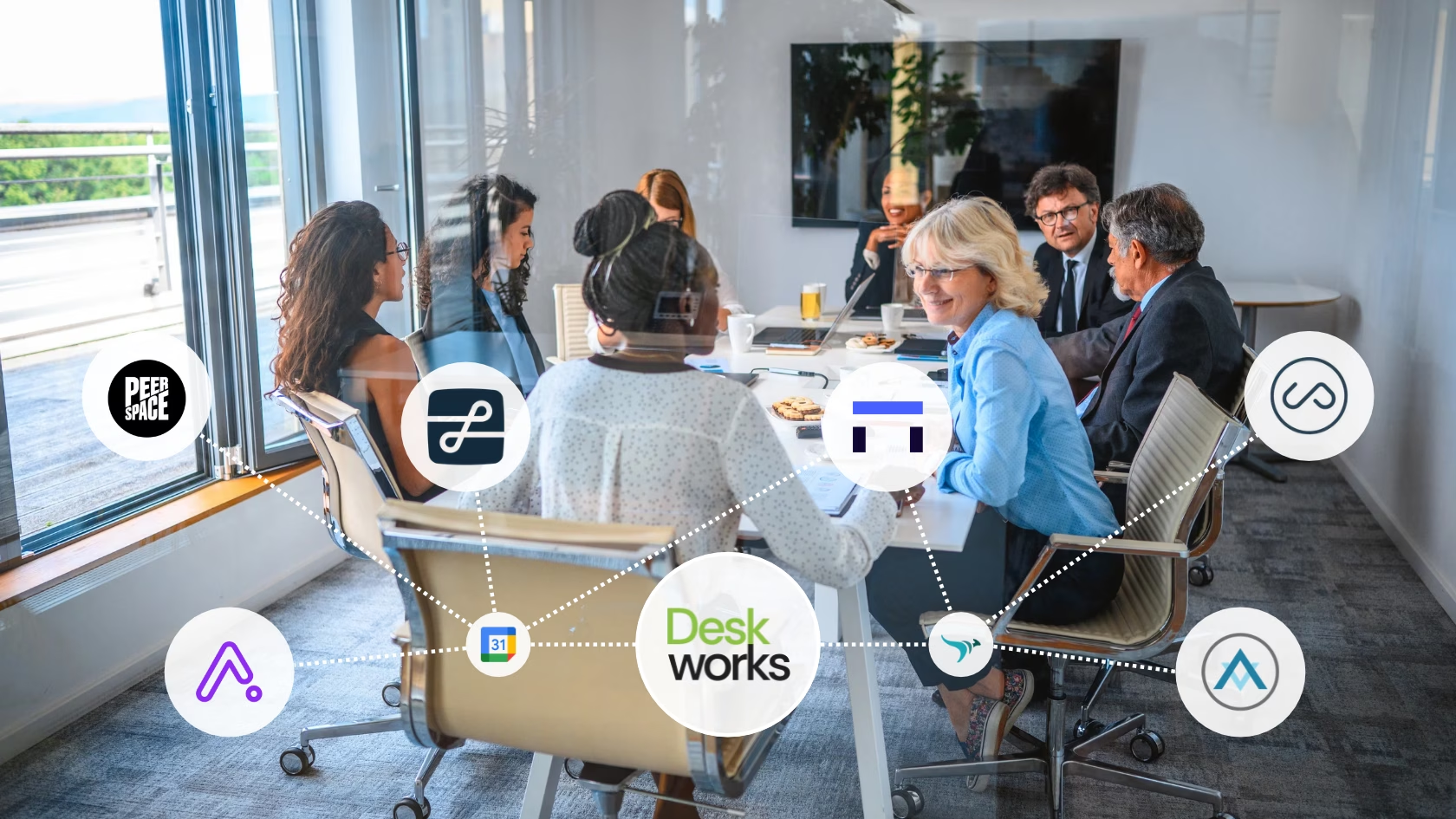
Workspace marketplaces, or aggregators, list your rooms, day offices, and desks to people searching for space. Deskworks syncs with many of them, including LiquidSpace, Peerspace, and Gable through two-way Google Calendar syncing, and Upflex and Alliance Virtual Offices through Syncaroo. Deskpass syncs through either.
Operating in more than 3,000 cities, LiquidSpace is the "largest, real-time network for office space." The platform connects teams and professionals looking for space, with venue partners, space providers, real estate professionals and service providers. An industry standard, LiquidSpace can be a powerful source of leads, referrals and revenue for coworking space operators. They charge very reasonable fees, have been in the industry from the beginning, and provide regular insights and updates.
Peerspace is a space rental platform that connects people to "thousands of hosts with one-of-a-kind spaces where you can meet, create, or celebrate." From film shoots, trainings and networking events to holiday parties and dinners, Peerspace is a valuable tool for finding unique venues and locations.
Virtual mail integrations connect mail service platforms, which facilitate processing mail, to your coworking management software. Common platforms include SphereMail, iPostal1 Workspace, Piloto Mail, and Anytime Mailbox. Some of them provide leads or actual clients for you, while others enable you to process mail for clients that you sign up directly. They all work basically the same way. Mail comes into your center, you sort it, and enter the mail piece in the virtual mail platform. Your client views the piece on the platform and requests that it be scanned, stored, forwarded or shredded within the platform. They see when the task is completed. If billing is done through your management software, the fees post automatically. Otherwise, you’ll get payments directly from the virtual mail platform.
SphereMail is one of the standard platforms for virtual mail in coworking spaces. The platform has a stated mission to "help people around the world to have flexibility to access and manage their postal mail 24 hours a day, 7 days a week." It also helps businesses from all sectors run their business effectively and efficiently by "digitizing postal mail at a stunning speed." In Deskworks, when a new Digital Virtual Mail client is signed up, they are automatically pushed to SphereMail based on their mail plan. Mail is processed in SphereMail, and charges are pushed back to Deskworks on a regular schedule. All charges are then automatically billed through Deskworks on the client’s regular invoice.
iPostal1 Workspace offers two digital mail services, and both run on its full-featured mail management platform and well-designed mobile app. iPostal1 brings you new virtual mail clients. They handle the marketing and sales, and your community managers process the mail as it arrives. iWorkSpaceMail lets you offer a digital mailbox service to your own members. It syncs with Deskworks through Syncaroo, so new mailboxes and mail charges show up in Deskworks automatically. Their team is highly professional and provides strong support for both services.

Print Management software simplifies the frequent coworking problem of managing multiple print drivers for all your members. Members can quickly connect to whatever printers you are using, while the software gives them access, tracks who prints what and enables automatic adding of charges to member invoices. Typically, when a new member is added in your management software, they are automatically added to the print management software. If you remove their access in your software, they are immediately removed from the print management software and can no longer print, copy or scan within your system.
ezeep Blue is a cloud-managed software solution for your printers and printing offerings in your workspace. It allows members seamless access to the printer from their laptop or mobile device, and the ability to send print jobs from any location, to any printer. Deskworks syncs members to ezeep Blue, as covered in how Deskworks and ezeep Blue work together. ezeep Blue also passes print, copy, and scan counts back to Deskworks for automatic charging.
PaperCut can operate on premises (PaperCut MF) or in the cloud (PaperCut Hive). It works seamlessly across different operating systems and for any (and multiple) printers. It’s highly customizable, and its reports can be scheduled to automatically send on any schedule. Its reporting runs on an older platform, so custom report layouts take more work.
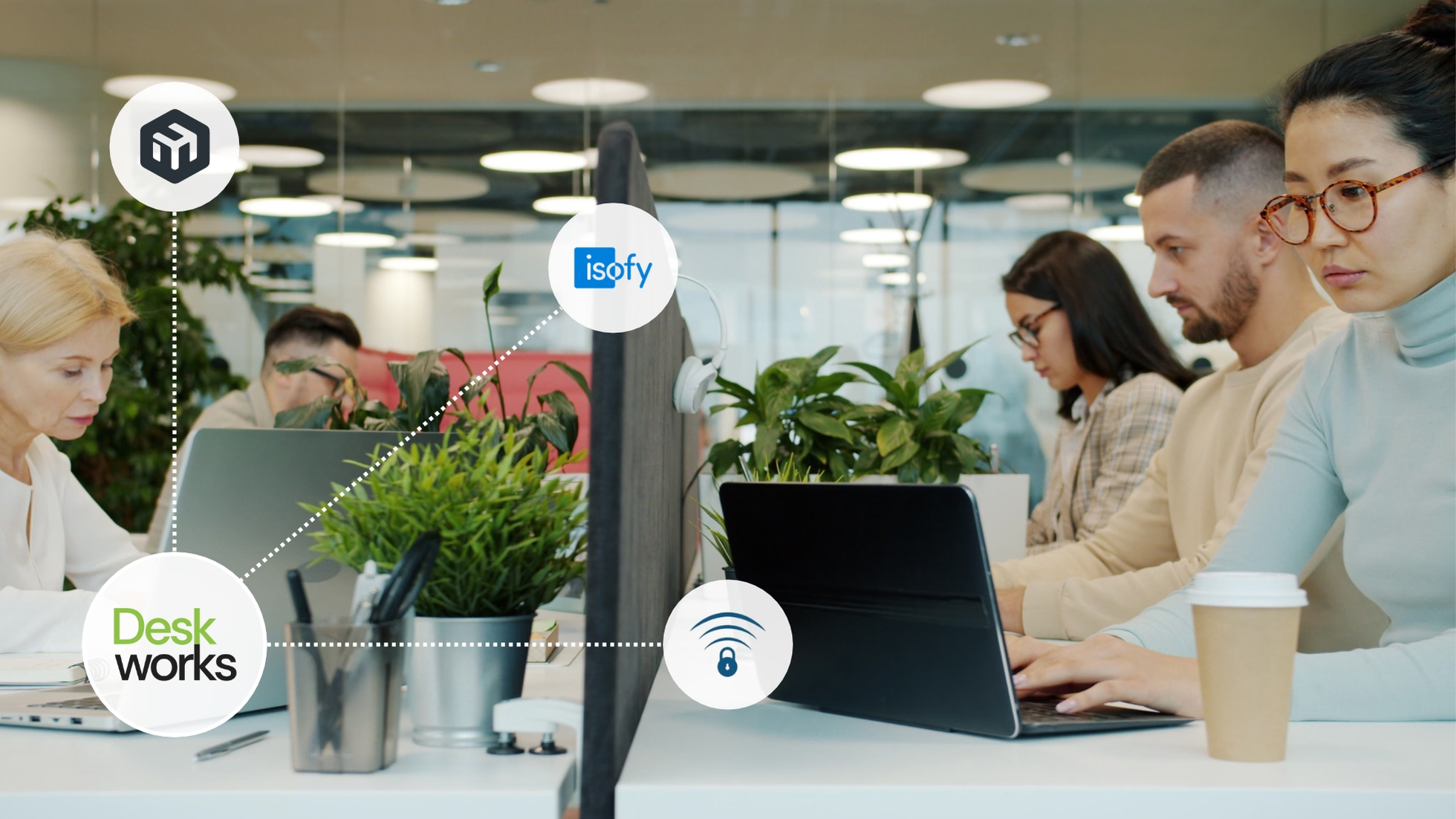
Network integrations connect the router or managed WiFi service in your space to your coworking software. In Deskworks, this is used to show who is in your center, their usage, activate wifi passes for non-members during reservations, and compare usage to a member’s plan for automatic billing.
MikroTik is a network equipment manufacturer that develops and sells wired and wireless network routers, network switches, access points, operating systems and auxiliary software. Powering coworking spaces and flexible workspaces around the world, MikroTik is a coworking hardware standout. Paired with Deskworks, a MikroTik router runs Intelligent Network Check-In, checking members in when they connect to WiFi and turning that usage into accurate billing (see our guide to the best router for a coworking space).
isofy manages all of the IT components for a space through their cloud-based portal, providing the service needed to keep your center up and running. Like MikroTik, isofy also supports Deskworks Intelligent Network Check-In. The integration uses Deskworks API to allow access to the network only for authenticated members and non-members, displays who is in the center on the Deskworks dashboard, and sends back check in and check out times, enabling you to sell all types of less-than-full-time plans and automatically manage them.
IronWiFi is a cloud-based WiFi authentication platform, enabling secure and efficient network access management. The integration with Deskworks checks for active members or non-member reservations, and only allows WiFi access during approved times. The integration also allows displaying and using all of the features of Deskworks Intelligent Network Check-In.
Before you get a demo of any software product that you want to integrate to your coworking management software, be sure you analyze how you want to use it. What problem are you trying to solve? How would you do this manually?
Five checks decide whether a coworking software integration saves time or creates cleanup work:
Deskworks' coworking space software integrations cover more than two dozen tools across accounting, automation, bookings, door access, e-commerce, e-signing, mail, marketing, payments, printing, and WiFi networks, all listed on the Deskworks integrations page. Two more worth knowing:
Because Deskworks already runs billing and payment collection, bookings, check-ins, and member records in one system, each integration plugs into connected data rather than one more standalone app.
Start your coworking tech stack with payments, accounting, and door access: they run every month for every member, and an error in any of them costs money or locks someone out. Add calendar sync when you list on a marketplace, and the rest as members ask.
Through Google Calendar. Marketplace reservations land in Google Calendar, which syncs with Deskworks, and Deskworks reservations flow back the same way. Deskworks matches each incoming booking to the right account by a keyword in the reservation title or description.
With integrations set up in your coworking space management software, making a member inactive updates everything connected to it: door access ends, print access is removed, and WiFi access stops. Former members can’t get in the door or onto your network after they leave.
Coworking Software
Team Deskworks
November 1, 2026
See how Deskworks helps coworking operators grow revenue while staying people-first.
Book a Demo

Deskworks is simple, powerful coworking management software built to automate your operations, capture every dollar of revenue, and give you more time to focus on your community.